Vedu APK: Free Streaming App, Download Latest Version (2026)
Paying for three or four streaming subscriptions every month adds up fast. That’s exactly why so many Android users are switching to the Vedu APK free streaming app. It puts movies, web series, TV shows and more in one place, with no monthly bill.
But there’s a catch most guides skip. Vedu isn’t on the Google Play Store, and dozens of copycat sites now offer “Vedu” files that may be old, broken or modified. So in this guide, you’ll get more than a download button. (If you just want the file, grab the latest version from our Vedu App download page, and read Is Vedu App Safe? before installing.) You’ll learn what the app actually does, how to install it the right way, how to check that your file is clean, and how to fix the problems people run into most.
Let’s get into it.
What Is the Vedu APK?
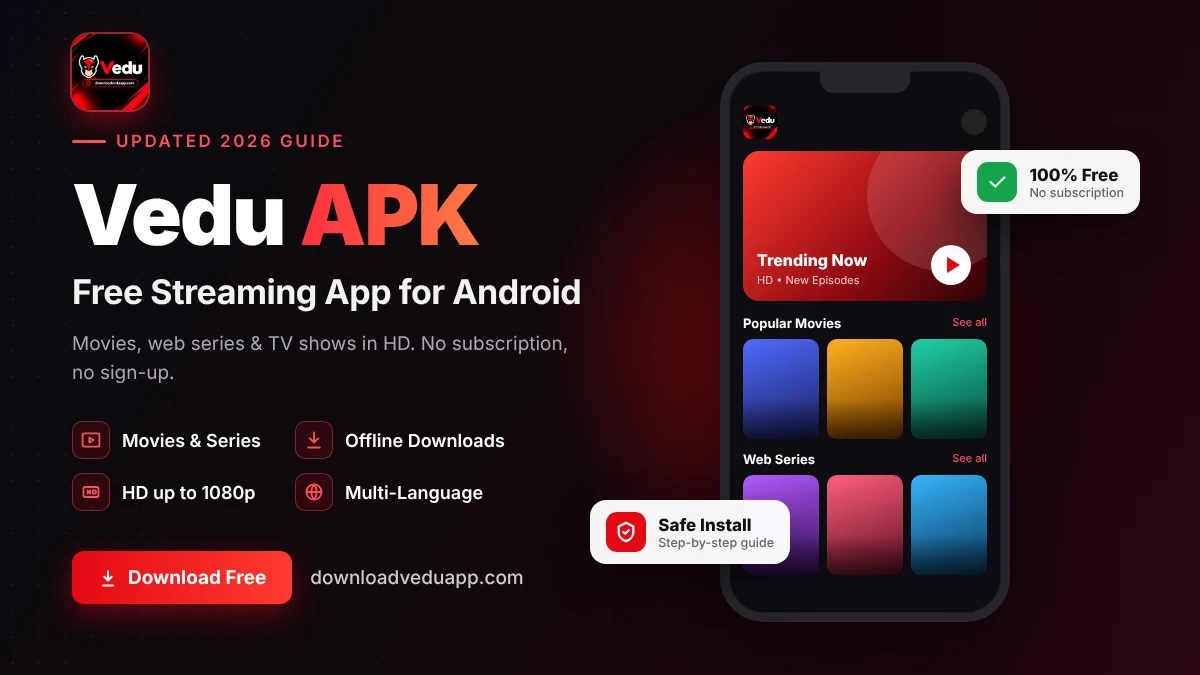
The Vedu APK free streaming app is an Android entertainment app that lets you stream and download video content for free. You don’t need a subscription, and you don’t need to hand over card details.
Because it’s distributed as an APK file (Android’s installer format) instead of through the Play Store, you install it manually. That sounds technical. It isn’t. The whole process takes about two minutes, and we’ll walk through every tap below.
Quick overview of the Vedu APK free streaming app:
| Detail | Info |
|---|---|
| App Name | Vedu |
| Category | Entertainment / Streaming |
| Price | Free |
| Platform | Android (phones, tablets, Android TV boxes) |
| Play Store | Not available |
| Subscription | Not required |
| Download Source | downloadveduapp.com |
Key Features of the Vedu APK Free Streaming App
Here’s what you get once the Vedu APK free streaming app is installed.
1. Large Content Library
Vedu covers a wide range of categories:
- Movies: action, comedy, horror, romance, thriller and animated films
- Web series: popular shows from multiple platforms
- TV shows: dramas, reality shows and talk shows
- Kids’ content: cartoons and anime
- Documentaries: nature, history and true stories
2. Multiple Video Quality Options
You can pick the quality that suits your internet speed. Low resolutions save data on mobile networks, while HD (up to 1080p) looks sharp on bigger screens and Wi-Fi.
3. Offline Downloads
Going on a long trip? Download episodes or movies over Wi-Fi and watch them later without an internet connection.
4. Subtitles and Multiple Languages
Content is available in several languages, including English, Hindi and Urdu, and many titles support subtitles.
5. Built-in Video Player
There’s no need for a separate player app. The built-in player lets you pause, skip forward, rewind and adjust brightness with simple gestures.
6. Smart Search and Watchlist
Type a title and find it in seconds. You can also bookmark shows to a watchlist so you never lose track of what you were watching.
7. Lightweight and Fast
The Vedu APK free streaming app is small, so it installs quickly and runs well even on budget phones with limited storage.
Device Requirements
Before you download the Vedu APK free streaming app, make sure your device is ready. Most problems with Vedu come down to one of these points.
| Requirement | Recommended |
|---|---|
| Operating System | Android 5.0 or higher (newer is better) |
| RAM | 2 GB or more |
| Free Storage | At least 100 MB (more if you plan to download videos) |
| Internet Speed | 3–5 Mbps for SD, 10 Mbps+ for HD |
| Permission | “Install unknown apps” enabled |
Note: The Vedu APK free streaming app is built for Android. It doesn’t run natively on iPhone or iPad. On a Windows PC or Mac, you’d need an Android emulator such as BlueStacks.
How to Download and Install Vedu APK (Step by Step)
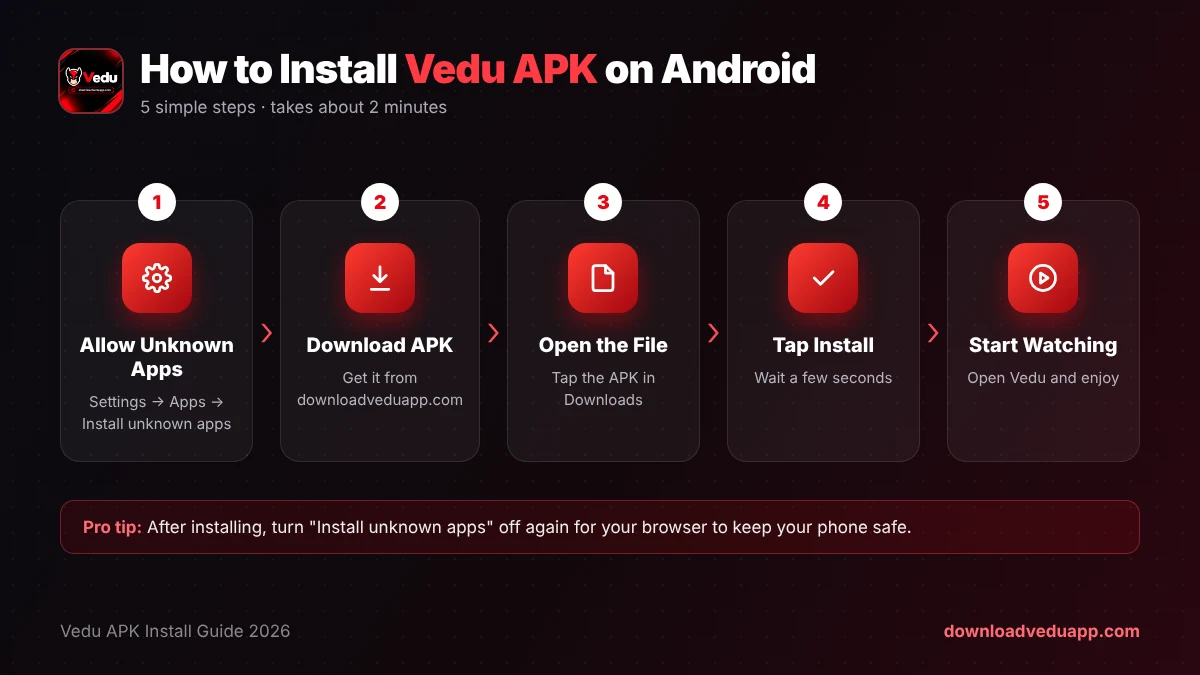
Follow these steps exactly, and you’ll have the Vedu APK free streaming app running in a couple of minutes.
Step 1: Allow Installs from Unknown Sources
Open Settings → Apps → Special app access → Install unknown apps. Choose the browser you’ll use to download (for example, Chrome) and switch on Allow from this source.
The menu names differ slightly between phone brands. If you can’t find it, search “unknown apps” in your Settings.
Step 2: Download the APK from downloadveduapp.com
Visit downloadveduapp.com and tap the download button for the latest version. Avoid random pop-up links or file-sharing sites. More on why in the safety section below.
Step 3: Open the Downloaded File
Pull down your notification bar and tap the finished download, or open Files → Downloads and tap the Vedu APK.
Step 4: Install the App
Tap Install and wait a few seconds. If Google Play Protect shows a warning, read the next section before you continue.
Step 5: Launch and Start Watching
Open the Vedu APK free streaming app, allow only the permissions the app actually needs (storage access for downloads, for example), and start browsing.
Pro tip: Once Vedu is installed, go back and switch off “Install unknown apps” for your browser. It’s a small habit that keeps your phone safer.
How to Install Vedu on Android TV and Firestick
Want the Vedu APK free streaming app on the big screen? On an Android TV or TV box, install a free downloader app from the Play Store, enter the downloadveduapp.com address, and follow the same steps above.
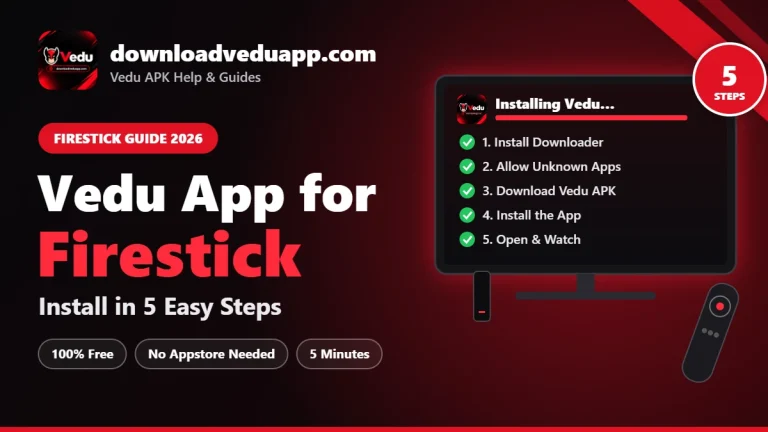
For Amazon Fire TV devices, we have a separate step-by-step guide: Vedu App for Firestick: Install in 5 Easy Steps.
Is the Vedu App Safe? How to Check Your APK Before Installing
This is the section most competitor articles rush through, and it’s the one that matters most.
The Vedu APK free streaming app itself isn’t the main risk. Fake copies are. Because Vedu isn’t on the Play Store, anyone can upload a file, name it “Vedu” and push it with aggressive ads. Some of those files are outdated. Others may carry adware.
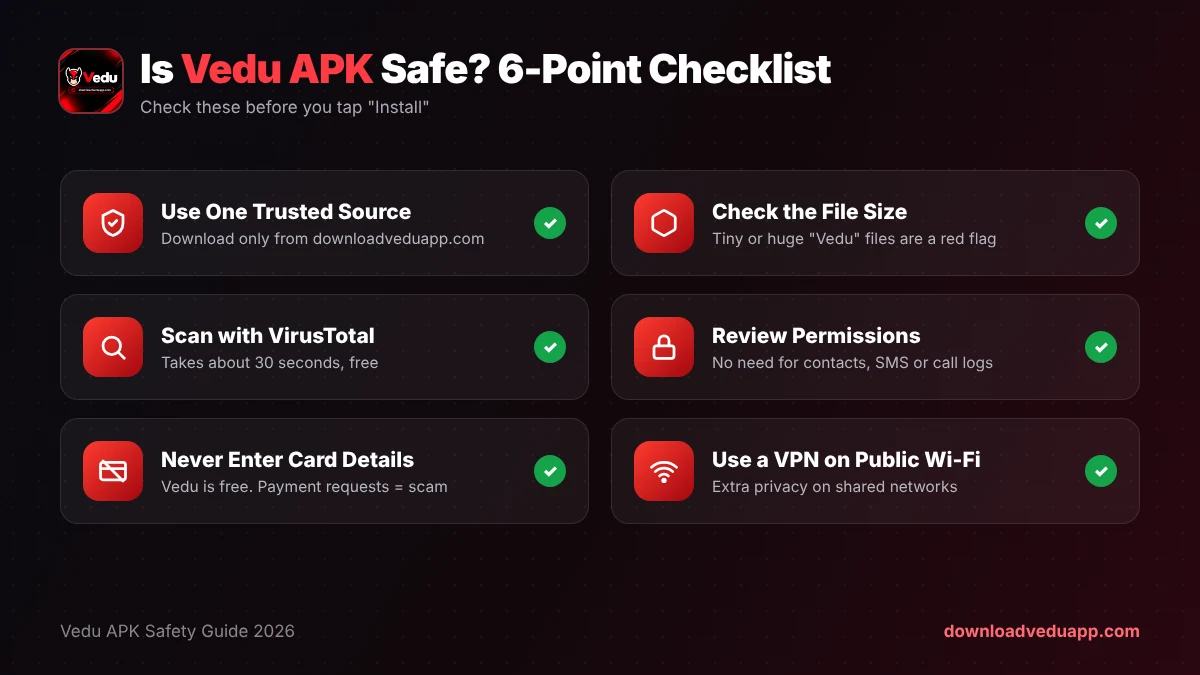
Here’s a simple checklist to protect yourself:
- Download from one trusted source. Stick to downloadveduapp.com instead of whichever link shows up first in a search.
- Check the file size. A genuine Vedu APK is a reasonable size. If a “Vedu” file is just a few kilobytes, or unusually huge, don’t install it.
- Scan it first. Upload the APK to a free scanner like VirusTotal before installing. It takes about 30 seconds.
- Watch the permissions. A video app has no reason to request your contacts, SMS messages or call logs. If it does, uninstall it.
- Never enter payment details. Vedu is free. Any version asking for card information is a scam.
- Use a VPN on public Wi-Fi. It adds a layer of privacy when you stream on shared networks.
About the Play Protect warning: Google shows this alert for most apps installed outside the Play Store. It doesn’t automatically mean the file is harmful, but it’s your cue to run the checks above before tapping “Install anyway.”
A note on content: Free streaming apps don’t always hold licenses for everything in their libraries, and copyright rules vary from country to country. Check what’s allowed where you live, and support official releases when you can.
Vedu vs. Other Streaming Apps: Comparison
How does the Vedu APK free streaming app stack up against other options people consider?
| Feature | Vedu APK | Netflix | YouTube (free) | Other free APK apps |
|---|---|---|---|---|
| Price | Free | Paid monthly plan | Free (with ads) | Free |
| Sign-up required | No | Yes | Optional | Usually no |
| Movies & web series | Yes | Yes | Limited | Yes |
| HD quality | Up to 1080p | Up to 4K (higher plans) | Up to 4K | Varies |
| Offline downloads | Yes | Yes | Premium only | Varies |
| Multiple languages | Yes | Yes | Yes | Varies |
| On Play Store | No | Yes | Yes | No |
| Ads | Some versions | None | Frequent | Often heavy |
Bottom line: Netflix wins on polish and 4K, but it costs money every month. YouTube is free but limited for full-length movies. The Vedu APK free streaming app sits in the middle: free, no sign-up, and built specifically for movies and series.
Common Vedu App Problems and How to Fix Them
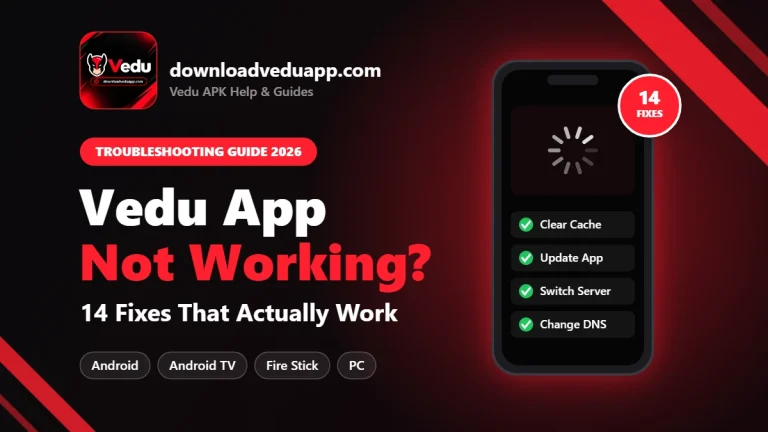
Even a well-built app has hiccups, and the Vedu APK free streaming app is no exception. Here are the issues users report most, with quick fixes.
| Problem | Likely Cause | Fix |
|---|---|---|
| “App not installed” error | Old version already installed, or a corrupted download | Uninstall the old version, then download a fresh copy |
| “Parse error” | File didn’t download fully, or Android version too old | Re-download over stable Wi-Fi and check your Android version |
| Videos keep buffering | Slow internet or quality set too high | Lower the video quality or switch to Wi-Fi |
| App crashes on launch | Corrupted cache | Settings → Apps → Vedu → Storage → Clear cache |
| Downloads won’t start | Storage permission denied or storage full | Allow storage access and free up space |
| Content not loading | Outdated app version | Install the latest version from downloadveduapp.com |
Pros and Cons of the Vedu APK Free Streaming App
Pros:
- Completely free, with no subscription or sign-up
- Large library of movies, series and TV shows
- HD streaming plus offline downloads
- Subtitle and multi-language support
- Lightweight, so it works on budget phones
Cons:
- Not available on the Google Play Store
- Updates must be installed manually
- Fake copies exist, so you need to download carefully
- Not available natively for iPhone
Final Thoughts
If you want a free way to watch movies and shows on Android without juggling subscriptions, the Vedu APK free streaming app is worth trying. It’s light, easy to use, and covers a lot of ground for zero cost.
Just remember the one rule that saves most people a headache: get your file from a trusted source and check it before installing. Download the latest Vedu APK from downloadveduapp.com, follow the steps above, and you’ll be watching in minutes.
Frequently Asked Questions (FAQs)
Is Vedu APK really free?
Yes. The Vedu APK free streaming app doesn’t charge a subscription fee and doesn’t ask for payment details. If any version asks for your card, it’s fake.
Why isn’t Vedu on the Google Play Store?
Vedu is distributed directly as an APK file rather than through the Play Store. That’s why you need to enable “Install unknown apps” to install it.
Do I need to create an account to use Vedu?
No. You can open the Vedu APK free streaming app and start watching without signing up.
Can I download movies on Vedu to watch offline?
Yes. Vedu supports offline downloads, so you can save content over Wi-Fi and watch it later without internet.
Does Vedu work on iPhone?
Not natively. The Vedu APK free streaming app is built for Android. iPhone and iPad users would need an alternative app.
Can I use Vedu on a PC or laptop?
Yes, with an Android emulator such as BlueStacks. Install the emulator, then install the Vedu APK inside it.
How do I update Vedu to the latest version?
Since it’s not on the Play Store, Vedu doesn’t update automatically. Visit downloadveduapp.com, download the newest version, and install it over the old one. Your settings usually stay in place.
Why does Google Play Protect warn me about Vedu?
Play Protect warns about most apps installed from outside the Play Store. Scan the file with VirusTotal and check its permissions before you continue.